
ADO ERP business applicationsStart with the application you need most and grow on one platform.
Each application below runs in production at one or more businesses. They share one database, so there is no syncing or double entry.
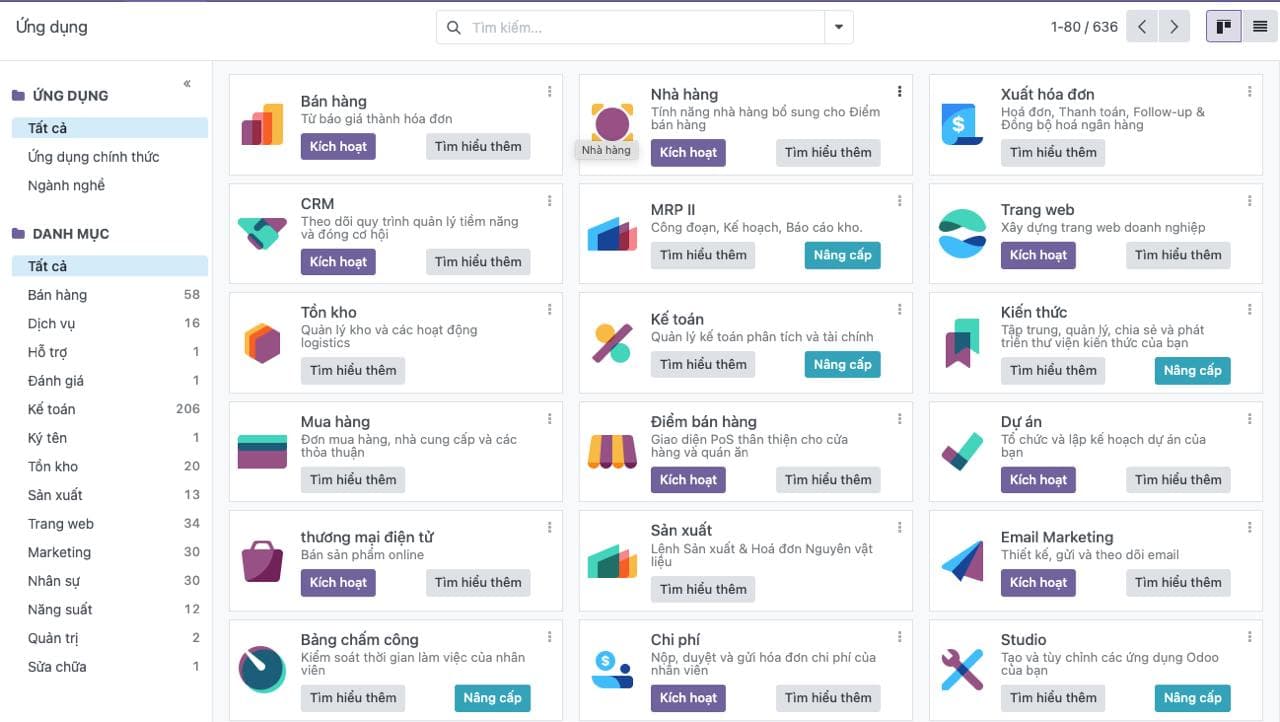
Choose applications for your business
CRM – Customer Management
DiscoverManage leads, opportunities and the sales pipeline; bring Zalo, Facebook, website conversations and calls into one customer profile.
Sales & Quotations
DiscoverQuotations, sales orders, price lists and discounts, product bundles, subscriptions and online sales; orders flow straight to inventory, delivery and accounting.
Inventory Management
DiscoverMulti-warehouse stock, branch transfers, lots and expiry dates, barcode counting and carrier integration; inventory data flows into sales and accounting.
POS – Point of Sale
DiscoverPOS for retail stores, pharmacies and restaurants: fast barcode checkout, in-store receipt printing, keeps selling on an unstable connection; data reaches inventory and accounting in real time.
Accounting & Finance
DiscoverAccounting on the Vietnamese chart of accounts, invoices and receivables/payables, financial reports; entries created from sales, purchasing and inventory; MISA meInvoice and Viettel S-Invoice e-invoicing.
HR & Payroll
DiscoverEmployee records, attendance, leave, contracts, recruitment and payroll under your own salary rules; payroll costs post straight to accounting.
Purchasing
DiscoverReplenishment suggestions, multi-level approval, purchase orders and receipts into stock, vendor bill matching and payables on one system.
Disconnected apps create disconnected data
One source of data
Customers, items, orders and accounting entries are shared, with no back-and-forth syncing.
Grow step by step
Add applications when you need them, without replacing the system or migrating data.
Your data is yours
No per-user licence fees and full ownership of your data.
Not sure which application to start with?
Talk to an expert for 30 minutes to choose your priority applications and rollout plan.

The ADO ERP delivery approach
Start from a complete system
Begin with a proven, optimized solution instead of building from a bare Odoo installation.
Fastest hand-over
The first release covers 80–90% of requirements out of the box; customization is kept to a minimum.
Keep costs within budget
ADO ERP owns delivery and product design decisions to minimize time and maximize value for you.
Go digital with ADO ERP
Leave your details and one of our consultants will get back to you for a free 1-on-1 consultation within one business day.