
Business accounting software connected to operationsEntries come from transactions, so accountants never re-key data.
ADO ERP accounting receives data directly from sales, purchasing, inventory and payroll, so financial figures always match what actually happened.
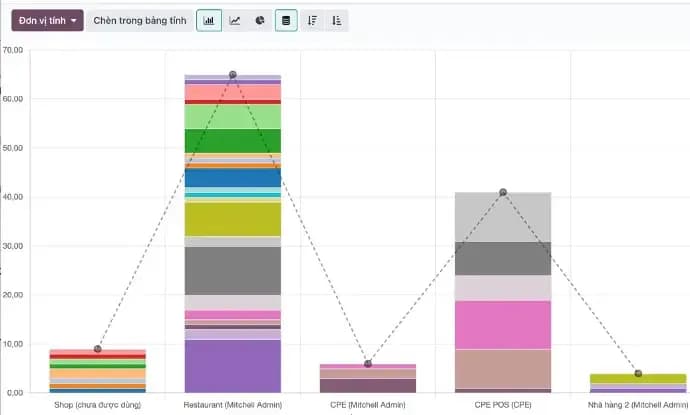
When accounting re-enters the whole company’s data
Double entry
Sales orders, purchases and stock documents are keyed again into accounting software.
Unclear balances
No instant view of overdue customers or supplier payments due.
Slow reporting
Monthly figures only arrive days after closing.
Manual e-invoicing
Invoices issued in separate software drift from the orders.
Accounting as the hub of financial data
Automatic entries
Journal entries from customer invoices, vendor bills, stock moves and payroll.
Receivables & payables
Partner ledgers, ageing and payment reminders.
E-invoicing
VAT invoices via MISA meInvoice or Viettel S-Invoice straight from orders.
Branch accounting
Revenue, costs and gross margin per operating unit.
Daily reports
Cash book, bank book and partner ledgers on demand.
Financial statements
Balance sheet, profit and loss and management reports.
Financial figures that match operations
Automatic entries
Accountants review and approve instead of re-keying.
- Sales — customer invoices create revenue and receivables.
- Purchasing — vendor bills create costs and payables.
- Inventory & payroll — cost of goods and salary costs posted automatically.
Balances & cash
Know where the money is at any time.
- Balances — by customer, supplier and age.
- Cash & bank — books updated daily.
- Exports — partner ledgers to Excel when needed.
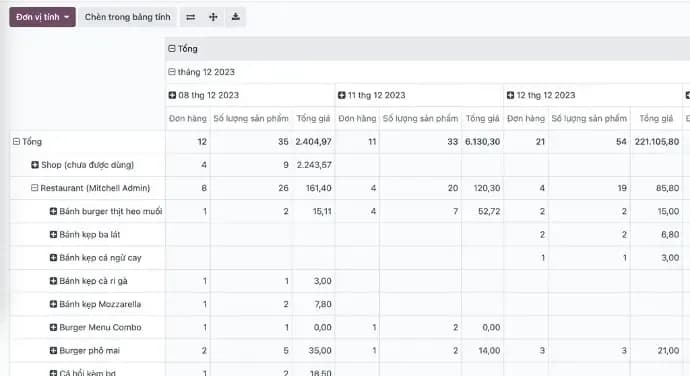
E-invoicing
Issue VAT invoices without leaving the system.
- MISA meInvoice and Viettel S-Invoice — use your current provider.
- From the order — invoice details come from the order, not retyped.
- Posting — revenue and tax are booked automatically.
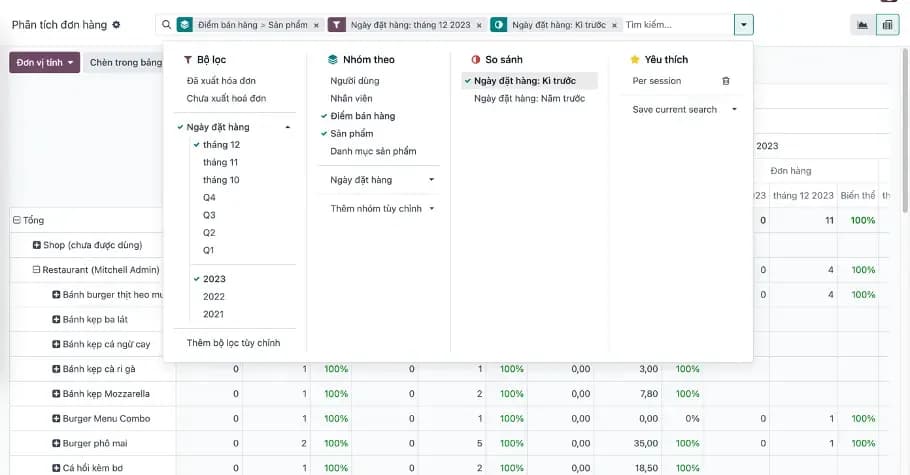
Accounting runs in production at all three reference systems
- ANTKING, Huong Cao Nguyen and Golden Mouse use Accounting
- 3/3
- E-invoices issued directly from the system
- MISA · Viettel
- Entries from sales, purchasing, inventory and payroll
- 1
Questions about accounting software
Still have questions?
An ADO ERP consultant will walk through your business case with you — free, 1-on-1.
+84 918 38 88 11Book a consultationDoes it follow the Vietnamese chart of accounts?
Yes. It uses the Vietnamese chart of accounts and report formats; the team configures it for the accounting regime your company applies.
Does it issue e-invoices?
Yes. It is connected to MISA meInvoice and Viettel S-Invoice and issues VAT invoices straight from orders.
Do we have to drop our current accounting software?
It depends. The team advises moving fully to ADO ERP, or running both in parallel for a period before switching.
Are there per-user licence fees?
No. There are no per-user licence fees and you fully own your data. Costs are quoted on the implementation scope after discovery.
More ADO ERP applications
CRM – Customer Management
DiscoverManage leads, opportunities and the sales pipeline; bring Zalo, Facebook, website conversations and calls into one customer profile.
Sales & Quotations
DiscoverQuotations, sales orders, price lists and discounts, product bundles, subscriptions and online sales; orders flow straight to inventory, delivery and accounting.
Inventory Management
DiscoverMulti-warehouse stock, branch transfers, lots and expiry dates, barcode counting and carrier integration; inventory data flows into sales and accounting.
POS – Point of Sale
DiscoverPOS for retail stores, pharmacies and restaurants: fast barcode checkout, in-store receipt printing, keeps selling on an unstable connection; data reaches inventory and accounting in real time.
HR & Payroll
DiscoverEmployee records, attendance, leave, contracts, recruitment and payroll under your own salary rules; payroll costs post straight to accounting.
Purchasing
DiscoverReplenishment suggestions, multi-level approval, purchase orders and receipts into stock, vendor bill matching and payables on one system.
See accounting connected to sales and inventory
Book a 30-minute demo of automatic entries, balances and e-invoicing.

The ADO ERP delivery approach
Start from a complete system
Begin with a proven, optimized solution instead of building from a bare Odoo installation.
Fastest hand-over
The first release covers 80–90% of requirements out of the box; customization is kept to a minimum.
Keep costs within budget
ADO ERP owns delivery and product design decisions to minimize time and maximize value for you.
Go digital with ADO ERP
Leave your details and one of our consultants will get back to you for a free 1-on-1 consultation within one business day.