
Native iOS and Android Apps Integrated with Odoo ERPNative applications that stay in sync with your Odoo ERP system
ADO ERP designs native iOS and Android apps that run on the data and business logic of your Odoo ERP. Staff away from their desks get a better ERP experience, and your business gets sophisticated applications at a much lower cost than other approaches.
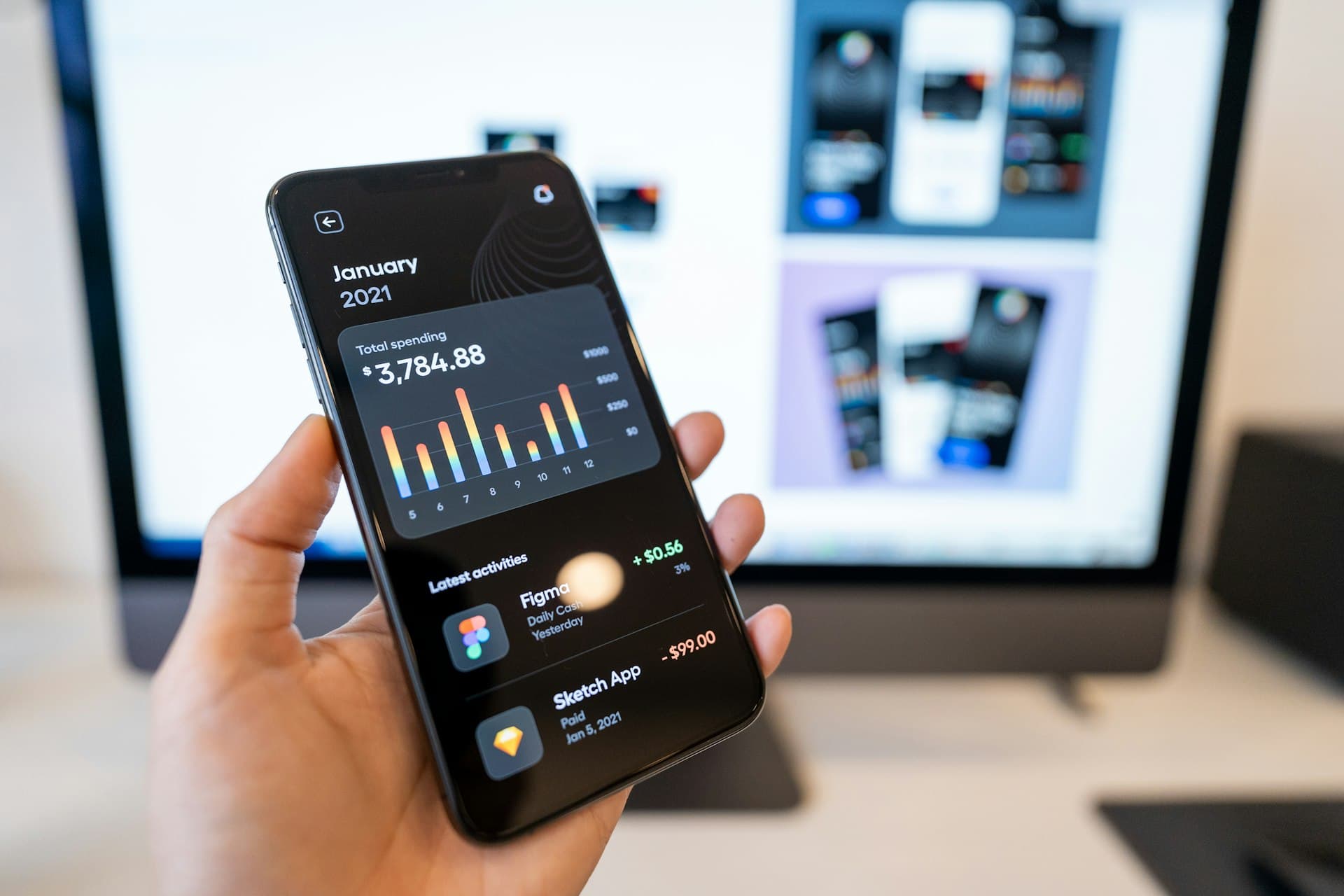
Why choose ADO ERP's Odoo-integrated mobile apps
Uses Odoo ERP data and logic
By integrating directly with Odoo, the app ensures seamless data management and accurate execution of your business logic.
Better ERP user experience
A more intuitive and efficient interface for ERP users, improving productivity and satisfaction.
Complex apps at a lower cost
Compared with other solutions, our approach significantly reduces development costs while delivering robust, sophisticated applications.
Why build a mobile app connected to Odoo ERP?
Your ERP system may be exceptional, but not all employees work primarily from a computer:
- Field sales reps are rarely in the office
- Drivers need to deliver on time
- Maintenance technicians need their schedules and reporting on site
These scenarios call for a mobile app that seamlessly uses operational data and integrates with the rest of Odoo's features. That is precisely why you need a mobile app integrated with Odoo: to give your workforce a reliable, efficient tool, whatever their location or job function.
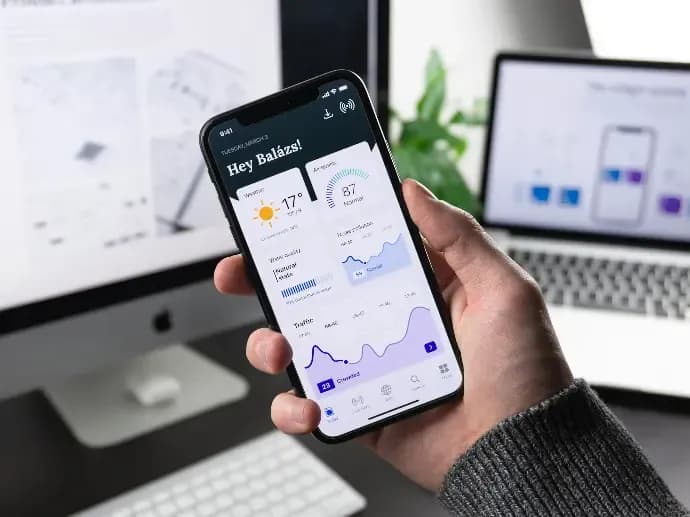
Extend Odoo ERP beyond the office
A mobile app adds capabilities that Odoo's web platform finds hard to deliver or does not yet cover, such as:
Photo-based reporting
Capture photos and send reports to Odoo in real time.
GPS tracking
Record locations to track employees, trucks or shipments.
Barcode scanning
Scan barcodes in warehouse apps to trace goods, orders and stock transfers.
Quick payment capture
Record payments on the spot.
Instant job reports
Log work results straight from the field.
Cross-department collaboration
Work with other departments on the same data.
Common mobile apps synced with Odoo ERP
- Customer apps: reward points, purchasing, and tracking orders, balances and deliveries
- DMS apps (distribution management): sales staff in distribution and retail chains manage schedules, work reports, orders and internal coordination
- Delivery apps: warehouse and delivery staff track goods and manage efficient delivery processes, in sync with warehouse operations
- Maintenance apps: technicians service equipment on schedule, respond quickly to urgent requests, and report work, statistics and KPIs
- Loyalty apps: loyal customers track reward points, promotions and orders
- Online ordering and booking apps: a seamless platform for placing orders and booking services online

How ERP-connected apps differ from standalone mobile apps
In look and feel, an Odoo-connected app is just like any standalone mobile app. The difference is behind the screen:
Synchronized business data
App data syncs with Odoo ERP, so departments collaborate across platforms on a single shared database.
No separate database
The app uses Odoo itself as the backend, so there is no independent backend to build and run.
More complex apps, lower cost
Powered by the Odoo ERP core, these apps are far more capable than traditional apps, letting you build more sophisticated applications for less.
ADO ERP's Mobile App Development Process
Seven steps from idea to app store.
- 01
App idea
We ask the right questions to build user stories with you.
- 02
Prototype
We create wireframes to identify problems before they arise.
- 03
Feature set
We define the elements that guide development.
- 04
Graphic design
We refine the look and feel until you are satisfied.
- 05
App development
We build iteratively, improving at each stage.
- 06
Beta release
We set the app up on staging for a limited group so you can review it.
- 07
App store launch
The new app is ready for download.
Odoo ERP systems built by ADO ERP serve more than 50,000 users




Questions about Odoo-connected mobile app development
Still have questions?
An ADO ERP consultant will walk through your business case with you — free, 1-on-1.
+84 918 38 88 11Book a consultationWho are Odoo-connected mobile apps for?
Staff who rarely work at a computer, such as field sales reps, delivery drivers, warehouse staff and maintenance technicians, as well as your customers (customer apps, loyalty apps, ordering apps).
Does the app need its own server and database?
No. The app uses Odoo as its backend, so no separate database or backend is needed. App data syncs directly with Odoo ERP.
What can a mobile app do that Odoo's web version struggles with?
Real-time photo reporting, GPS location tracking, barcode scanning in the warehouse, and quick payment and work reporting from the field.
Why do Odoo-connected apps cost less than traditional apps?
They reuse Odoo's existing data, business logic and ERP core instead of building a separate backend, so more complex applications can be developed at a lower cost than the traditional approach.
Which platforms does ADO ERP build for?
ADO ERP designs native apps for both iOS and Android, following a 7-step process from idea, prototype, design and development through beta release to app store launch.
Have a mobile app idea for your team?
Tell us about your field operations and ADO ERP will recommend the right Odoo-connected app.

The ADO ERP delivery approach
Start from a complete system
Begin with a proven, optimized solution instead of building from a bare Odoo installation.
Fastest hand-over
The first release covers 80–90% of requirements out of the box; customization is kept to a minimum.
Keep costs within budget
ADO ERP owns delivery and product design decisions to minimize time and maximize value for you.
Go digital with ADO ERP
Leave your details and one of our consultants will get back to you for a free 1-on-1 consultation within one business day.