

Coffee chain management software for 5–20 stores, all in one portalFrom the roastery, central warehouse and mobile sales vans to your customers' Zalo Mini App – synchronized in real time on a single Odoo platform.
ADO Cafe (ADO ERP Cafe) is an all-in-one management system for coffee chains, already running live at a Vietnamese coffee chain. Each module goes live in 2–3 weeks.
Is your coffee chain facing these problems?
Four problems that keep chain owners up at night – each one eating several hours a day of your operations team's time.
Out-of-sync inventory
End-of-day stock counts come up short or over, and no one knows which warehouse or store the ingredients are in.
Fragmented sales reports
Every store and sales van submits its own Excel file; consolidating by hand takes 2–3 days and is error-prone.
Manual roasting processes
Production orders are kept in notebooks, ingredient ratios are calculated by hand and batches cannot be traced.
Zalo orders outside the system
Orders taken by Zalo chat never reach the system, are easily missed and cannot be analyzed.
One system – six connected modules
Every module runs in real time on the same open-source Odoo database. No syncing, no importing – a single source of truth for the whole chain.
Web Portal
The command center: admins view and approve activity across the whole chain.
Production App
For the roastery: create production orders and count stock by barcode.
Delivery App
For drivers: real-time GPS and photo proof of delivery.
Sales Van App
For mobile vans: check-in by QR code plus GPS within a 5 km radius.
Zalo Mini App
For customers: order directly in Zalo, no separate app to install.
AI Agent
Via API: recommends products and creates orders automatically from purchase history.
From the roastery to wholesale partners and franchise stores
The model running at Huong Cao Nguyen: one production facility supplying company stores, wholesale customers and franchise stores.
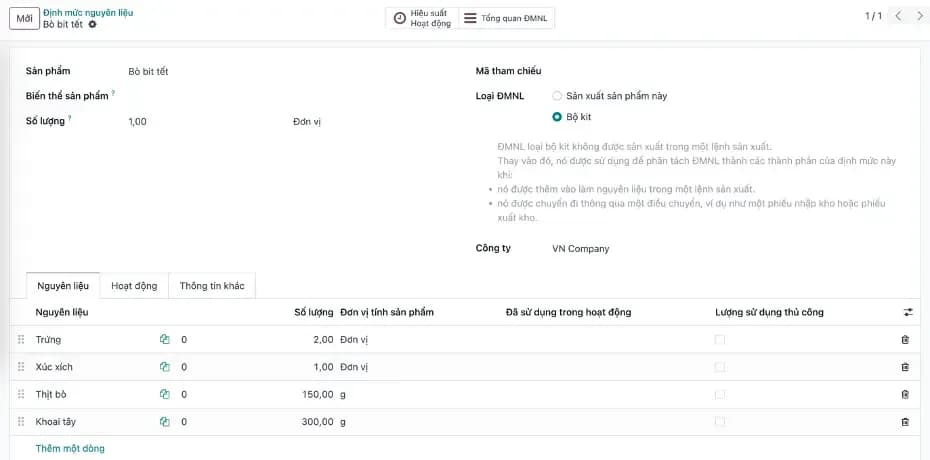
Production
Control roasting, grinding, blending and packing by work order and bill of materials.
- Work orders — Roast, Blend and Pack stages with materials calculated from the BOM.
- Barcode counting — scanner or phone camera, figures reach the portal instantly.
- Output & cost — daily output per facility and cost per batch.
Wholesale & dealers
Serve wholesale buyers, cafés and dealers on the same system as the store chain.
- Customer-group price lists — wholesale, dealer and volume discounts.
- Repeat orders — regulars order via the Zalo Mini App or a sales rep, orders land in the portal.
- Wholesale receivables — credit limits, ageing and collection reminders per customer.
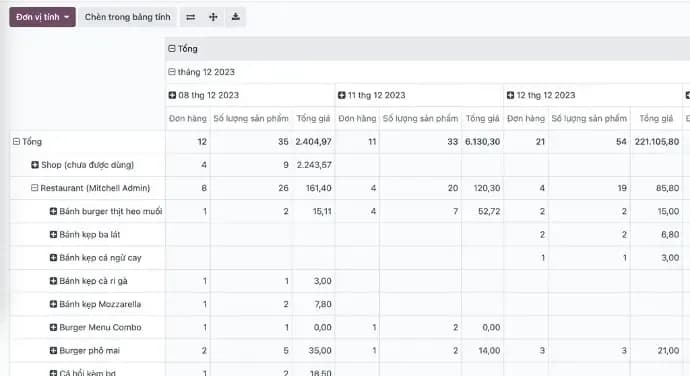
Delivery
Orders from the roastery to stores and wholesale customers are tracked until delivered.
- Delivery app — drivers receive orders, share live GPS and take a proof-of-delivery photo.
- Dispatch — admins see drivers and sales vans on one map.
- Carriers — GHN, GHTK, Viettel Post and Ahamove for out-of-town orders.
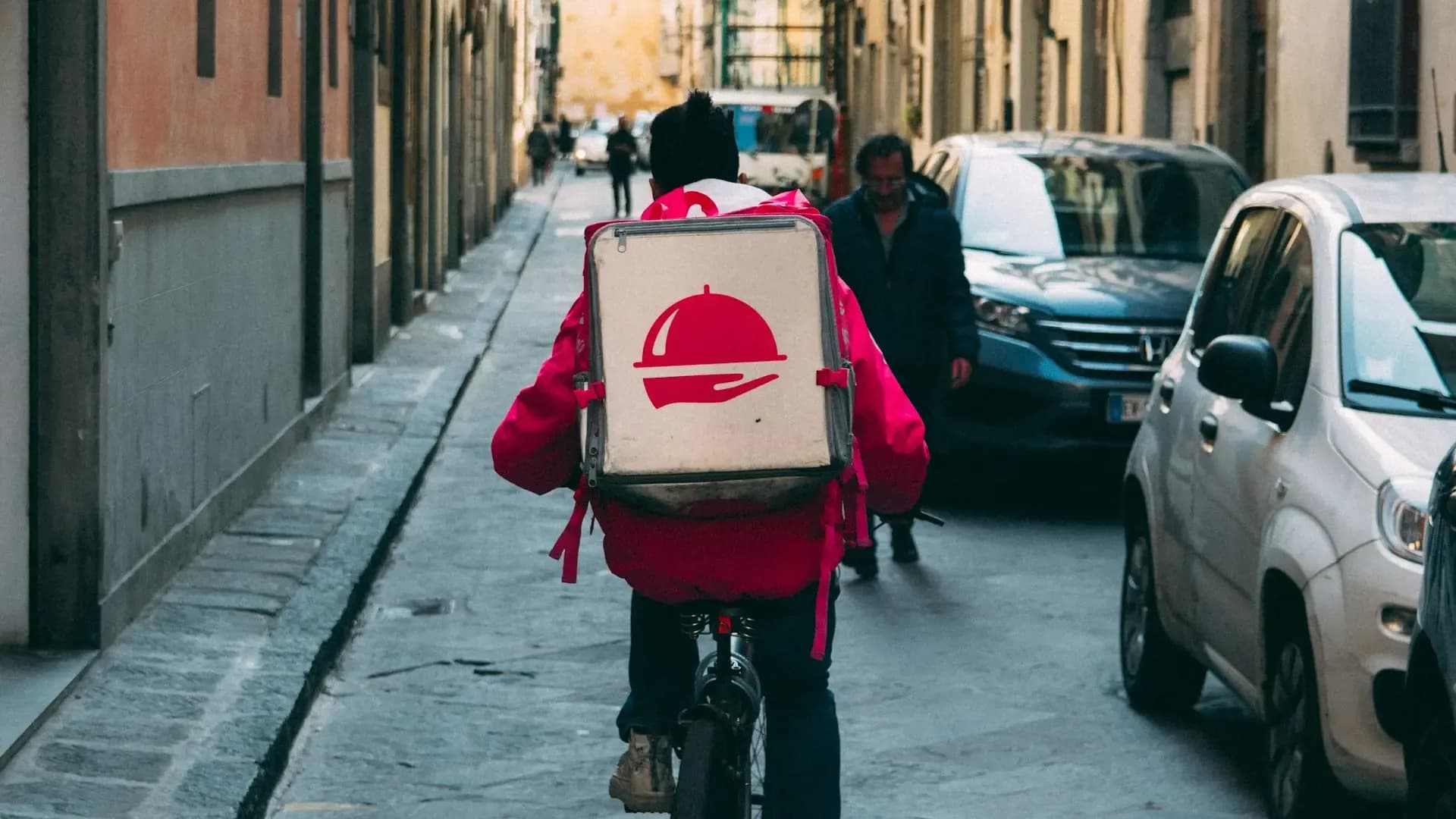
Franchising
Grow through franchising while keeping operating standards.
- Store management — each franchise store has its own account, stock and reports.
- Ordering from the roastery — franchisees order supplies at franchise prices.
- Performance tracking — owners see sales, consumption and receivables for every store.
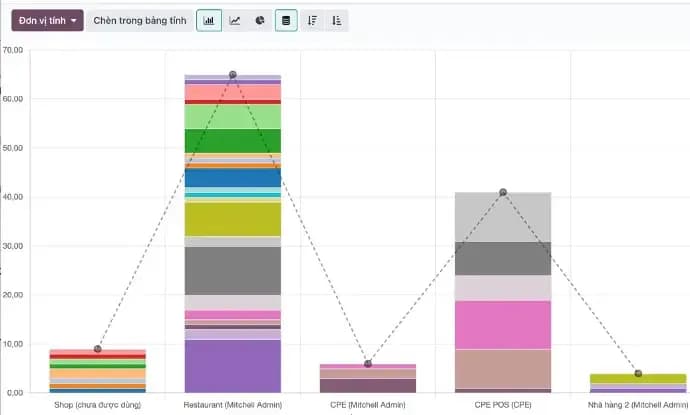
E-invoicing
Issue VAT invoices straight from the order, no re-entry into other software.
- MISA meInvoice and Viettel S-Invoice — use the provider you already have.
- Automatic posting — revenue and tax go straight to the books.
Features that set a coffee chain apart
Designed for chains with their own roastery, delivery team, mobile sales vans and regular customers who order via Zalo.
Production App
Real-time stock counting
Scan barcodes with a scanner or a phone camera – figures go straight to the Portal, with no more end-of-day Excel.
- Production orders by activity type (Roasting, Blending…), with ingredient requirements calculated automatically.
- Count stock 3 ways: barcode scanner (Android), mobile camera or manual entry.
- A swipeable Output page shows production by day, grouped by product and factory.
Delivery & Sales Van Apps
A field team that is always online
Drivers and mobile vans appear on a single map – admins know who is where, which orders have been delivered and which van's takings are in.
- The Delivery App pushes real-time GPS and captures a photo as proof of delivery.
- The Sales Van App uses QR + GPS check-in within a 5 km radius to prevent time-attendance fraud.
- The end-of-day sales report is mandatory – a van that hasn't submitted is locked out the next day.
Zalo Mini App & AI Agent
Vietnam's most familiar customer channel
Customers open the Zalo app they already have, scan a QR code, order and pay on delivery. Orders reach the Portal and follow the same workflow as in-store POS orders.
- Customers scan a QR code to open the Mini App, order and choose cash on delivery – no separate app to download.
- The AI Agent recommends products based on order history and creates repeat orders automatically.
- Zalo orders reach the Portal in the same workflow as internal orders – no syncing, no importing.
Huong Cao Nguyen coffee chain, live since October 2025
A specialty coffee chain in Ho Chi Minh City with its own roastery (District 12), 6+ stores, mobile sales vans and a Zalo ordering channel for regular customers.
- Modules live: Portal, 3 apps and Zalo Mini App
- 5
- Releases in 6 months (Oct 2025 → Mar 2026)
- 6+
- Per module, phased go-live instead of big-bang
- 2–3 weeks
- Zalo orders reach the Portal automatically, no manual entry
- 100%
Why choose ADO Cafe?
A production app built for coffee
Something typical POS software doesn't offer: roasting/blending orders, ingredient ratios and barcode counting.
Native Zalo Mini App
Vietnamese customers already use Zalo – no need to make them download a new app.
AI ordering agent
Returning customers reorder automatically, reducing ordering friction.
2–3 weeks per module
Not a six-month ERP project. Go live fast, refine later.
A 30-minute demo tailored to your chain
A private demo for your chain – not a generic marketing pitch.
See the Portal and apps live with real data
Walk through each module that matters to your chain.
Get a rollout roadmap for your size
Which modules come first, how long it takes and what you need to prepare.
Receive a detailed quote after the demo
No hidden costs – a clearly scoped quotation.
Questions before your demo?
Still have questions?
An ADO ERP consultant will walk through your business case with you — free, 1-on-1.
+84 918 38 88 11Book a consultationHow is ADO Cafe different from KiotViet, Sapo or POS365?
Ordinary POS software only handles sales. ADO Cafe manages the whole chain – production (roasting/blending), the central warehouse, field teams and the Zalo channel – on the same open-source Odoo platform, with no vendor lock-in.
How long does implementation take?
2–3 weeks per module. You can go live in phases (Portal first, then the apps) instead of a big-bang rollout.
Do you help migrate data from our old system?
Yes. The implementation team reviews your current data (Excel, KiotViet, Sapo…) and migrates products, customers and opening stock.
Is staff training included?
Yes. Every module comes with a Vietnamese user guide plus onsite or online training. Support is available via Zalo during business hours.
Can the system be customized?
Yes. The open-source Odoo platform allows custom fields, reports and workflows to fit your needs. Customization is quoted by scope after the demo.
How long is the contract commitment?
A minimum of 12 months, then renewed annually. You can add or remove modules at any time.
Where are the servers located? Is it secure?
Cloud servers are located in Vietnam (with partners VNG / Viettel) and backed up daily. An on-premise option is available for enterprises.
Facing 2 of these 4 problems? Book a 30-minute demo
See the Portal and apps running on real data, and get a rollout roadmap and a clear quote for your chain.
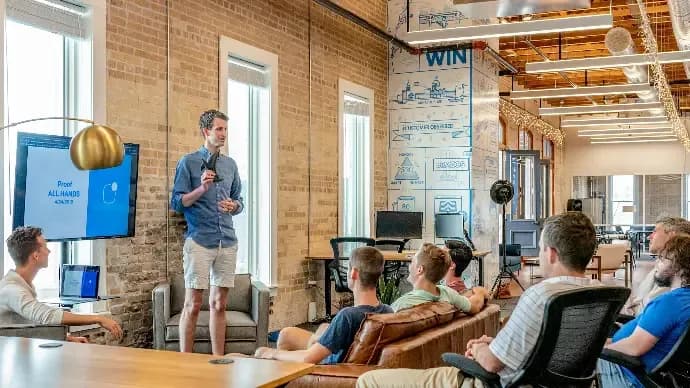
The ADO ERP delivery approach
Start from a complete system
Begin with a proven, optimized solution instead of building from a bare Odoo installation.
Fastest hand-over
The first release covers 80–90% of requirements out of the box; customization is kept to a minimum.
Keep costs within budget
ADO ERP owns delivery and product design decisions to minimize time and maximize value for you.
Go digital with ADO ERP
Leave your details and one of our consultants will get back to you for a free 1-on-1 consultation within one business day.